Schema.org
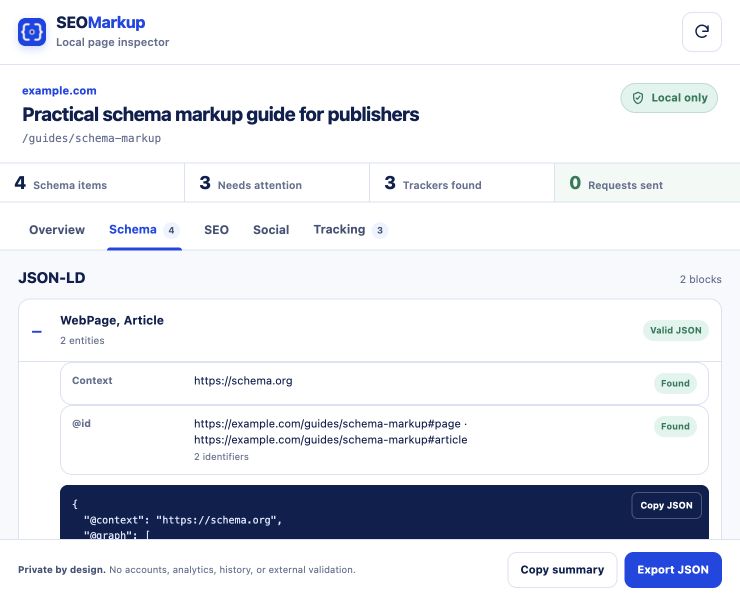
Find JSON-LD, Microdata and RDFa. Review types, nested data, syntax and duplicate @id values.
 SEOMarkup
Enter a public URL to check its source, or use the Chrome extension to inspect the rendered page locally.
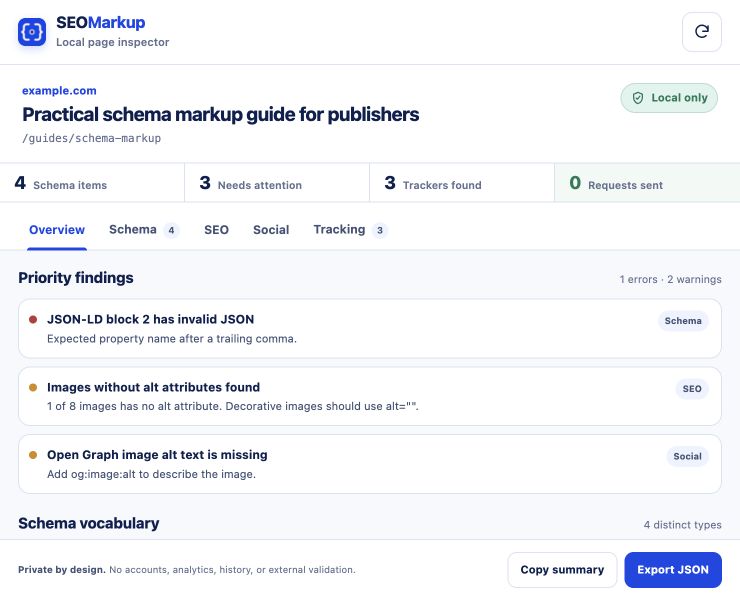
We fetch the page once and check its source HTML for schema, SEO, social and tracking markup.
Your URL is sent to BusinessPress for this one-time check. We do not save the page or report. Use the extension when page data must stay on your device.
Enter a URL to start.
See errors, warnings and guidance without a made-up score.
Find JSON-LD, Microdata and RDFa. Review types, nested data, syntax and duplicate @id values.
Check titles, descriptions, canonicals, robots, language, headings, image alt text, viewport and hreflang.
Preview titles, descriptions and images for Google, Facebook, X/Twitter and LinkedIn.
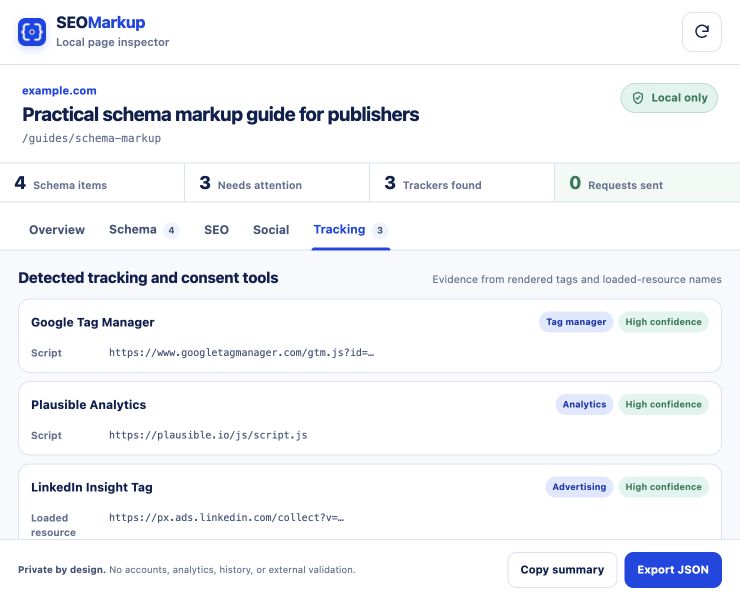
Find common analytics, advertising, consent, replay and monitoring tags. Every match includes its source.
Each focused checker uses the same report, with practical guidance for the markup you are reviewing.
The extension is not yet in the Chrome Web Store. Install this reviewed ZIP in Developer mode.
Download and unzip the extension.
Go to chrome://extensions and turn on Developer mode.
Click “Load unpacked” and select the extracted folder.
Pin SEOMarkup, open a page and click the extension.
# in the URL. Anyone with the link can read it.